

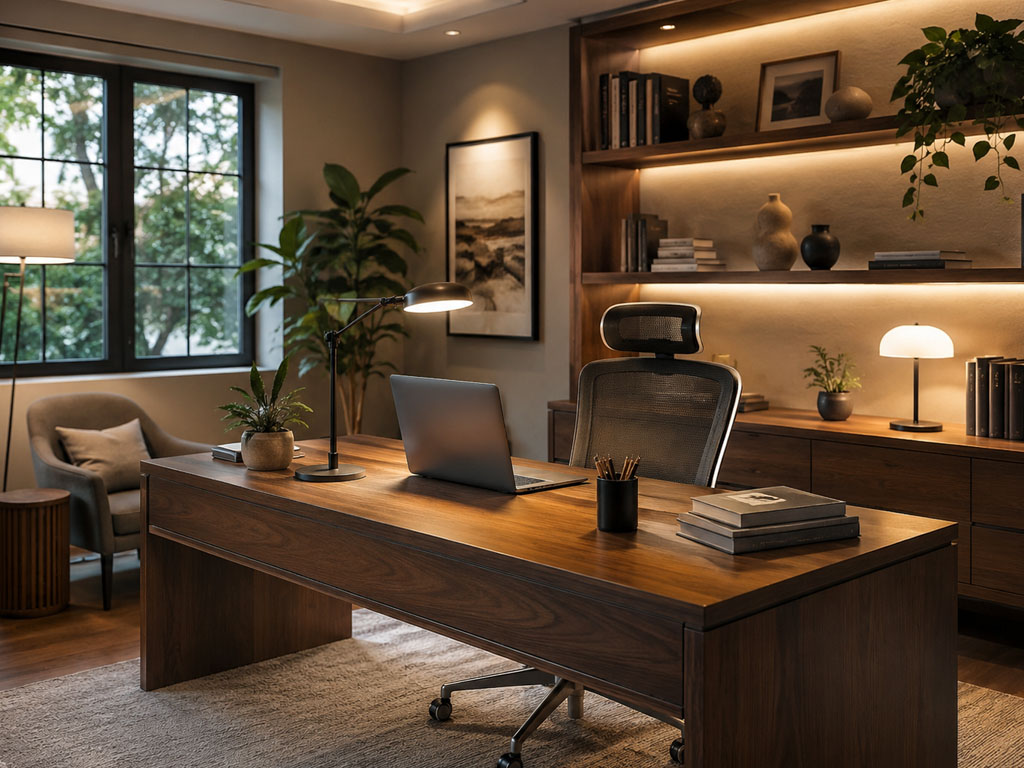

How to Light a Home Office for Productivity, Visual Comfort, and Better Video Calls
A science-based guide to desk lighting, screen-glare control, task visibility, and comfortable work-from-home design
Xunlu Lighting • August 31, 2026
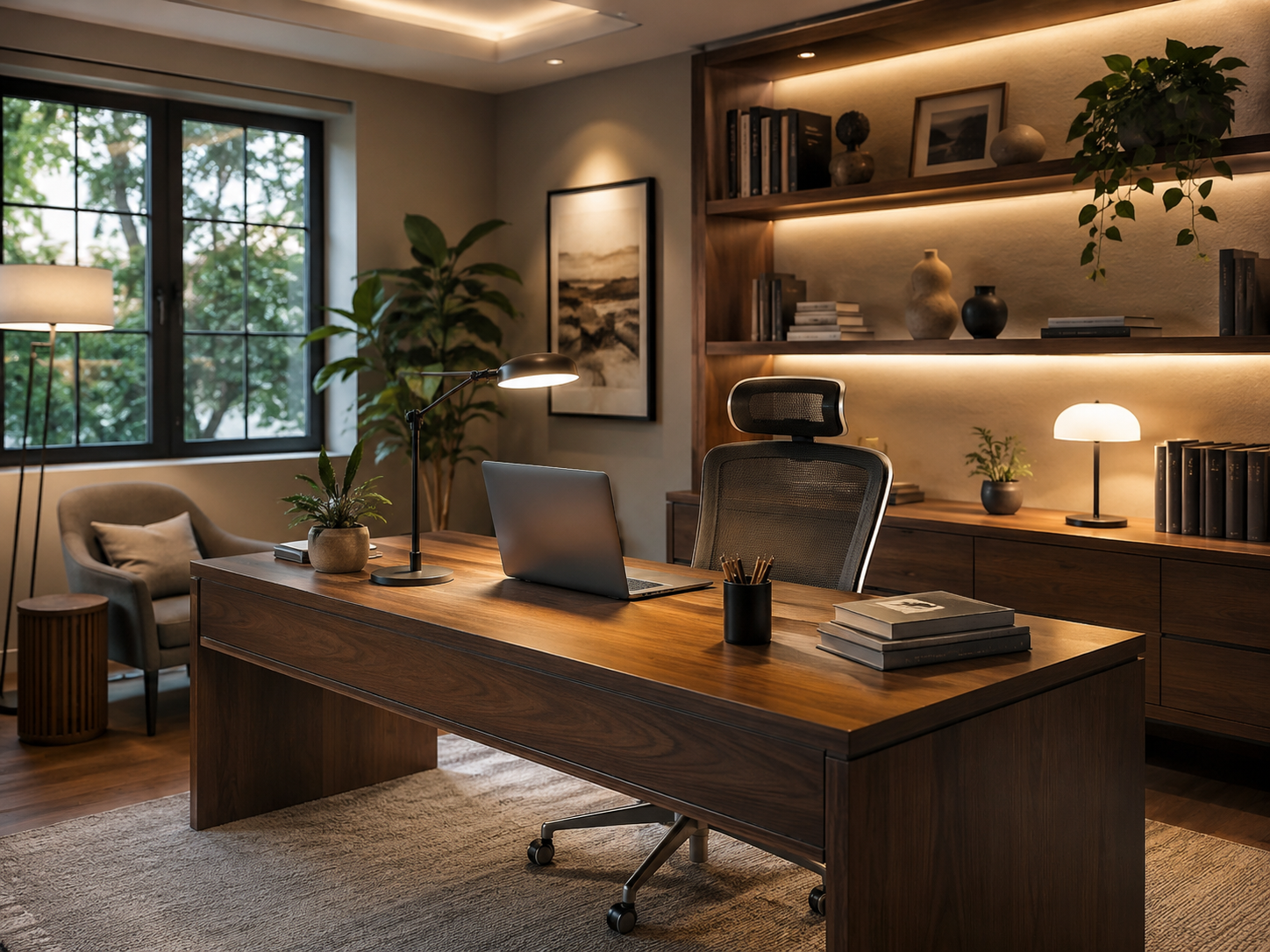
The home office has become one of the most demanding lighting environments in the house. It must support concentrated visual work, long screen sessions, meetings on camera, and sometimes creative work that continues into the evening. A single overhead lamp is rarely enough. Good home-office lighting requires a layered strategy: daylight when it helps, task light where it matters, soft ambient light for adaptation, and careful control of reflections and glare.
CORE IDEA | The best home-office lighting is not the brightest lighting. It is lighting that helps you see the page and the screen comfortably, keeps the face readable on video, and avoids strong glare or contrast fatigue.
1. Why home-office lighting needs a different approach
Working at home combines several visual tasks in one room: reading printed pages, looking at a screen, writing, searching for objects on shelves, and sometimes participating in video calls. Lighting guidance for indoor workplaces, including ISO/CIE 8995-1, emphasizes that visual comfort, performance, and safety depend on both the quantity and the quality of illumination. That means brightness alone is not enough. Distribution, glare limitation, color quality, and the balance between task and background all affect comfort.
In a living room, mood may be the priority; in a kitchen, the work surface matters most; in a home office, the challenge is mixed use. The room must feel calm enough for long hours while still providing enough useful light for documents and details.
2. Start with daylight — but control it
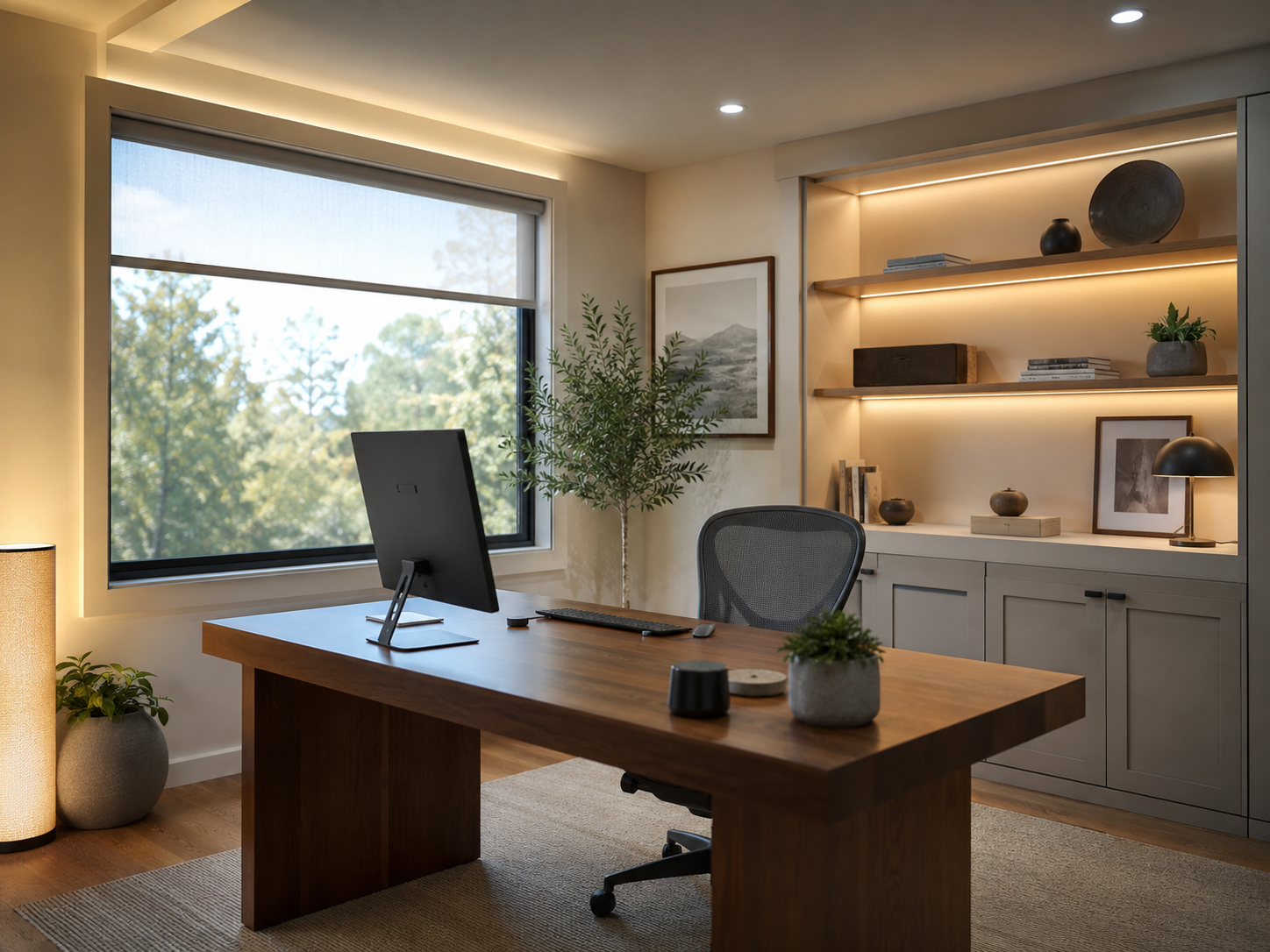
Daylight is valuable because it can increase alertness, improve visual interest, and reduce daytime electric-light use. But uncontrolled daylight can also create harsh contrast and screen reflections. The ideal layout usually places the desk perpendicular to the main window rather than directly facing or backing it. This arrangement helps reduce veiling reflections on the monitor while still bringing useful side light into the room.
If the window is very bright, use a sheer shade, roller blind, or adjustable curtain to reduce contrast without eliminating natural light. The goal is to keep the view bright enough to feel open, but not so bright that the monitor looks dim by comparison.
3. Task lighting: put light on the work, not in the eyes
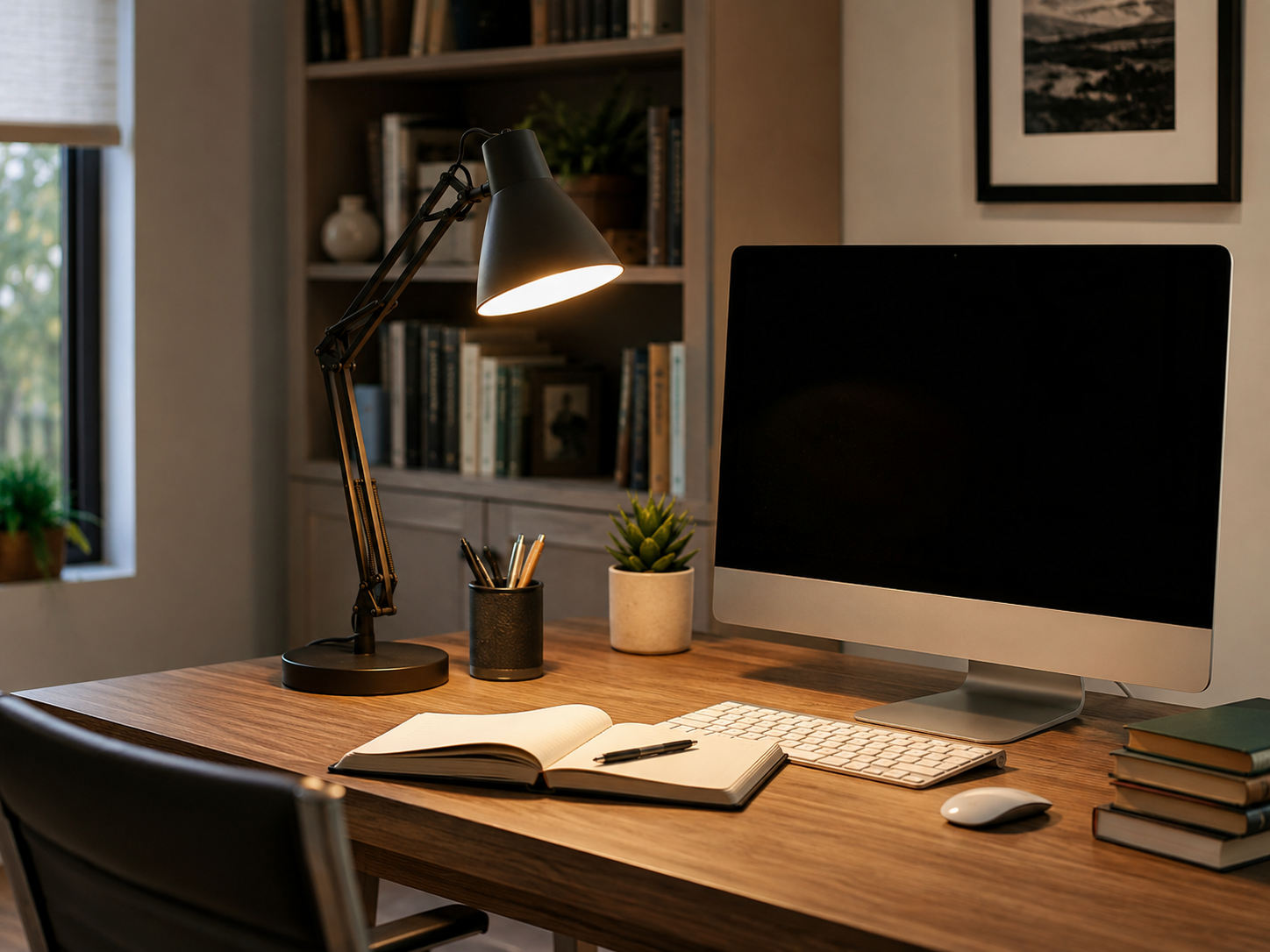
Task lighting is often the most important part of a home-office setup. Reading and writing benefit from local light placed near the work area, so the eyes do not depend entirely on the ceiling fixture. A desk lamp with an adjustable arm is especially useful because it lets the user move the light as posture and tasks change throughout the day.
Place the lamp so it illuminates the desk surface without shining directly into the eyes or reflecting strongly from the screen. For right-handed users, the lamp is often more comfortable on the left; for left-handed users, the reverse usually reduces hand shadows.
4. Screen glare and reflected glare
Glare in a home office can come from several directions: a bare lamp in the line of sight, a bright window reflected in the monitor, or even glossy white paper producing strong reflections under a task light. CIE work on discomfort glare shows that glare depends on source luminance, source size, background luminance, and viewing position. In practical terms, a small exposed LED can be more annoying than a larger diffused luminaire with similar total output.
To reduce glare, choose lamps with shades, diffusers, or indirect light distribution; reposition the desk if a window is mirrored in the display; and avoid placing a bright decorative light directly behind the screen.
- Keep the monitor perpendicular to the brightest window when possible.
- Choose diffused or shielded luminaires instead of point-like bare light sources.
- If a glossy tabletop or paper produces reflections, change the lamp angle before increasing brightness.
- Use lower output on the task lamp when working mainly on the screen, and raise it when reading printed material.
5. Ambient light and adaptation
A common mistake is to create a bright desk in an otherwise dark room. This may look dramatic in photos, but it can feel tiring over time because the eyes constantly adapt between the task and the darker background. A modest ambient layer—such as a soft floor lamp, indirect shelf lighting, or a broad low-glare ceiling fixture—helps the whole room feel settled.
Ambient light does not need to overpower the task light. It simply needs to keep walls, shelves, and pathways readable so the desk is not a bright island surrounded by darkness.
6. Lighting for video calls: think vertical light
When the camera is on, the face becomes the main visual task. A ceiling-only source can produce shadows under the eyes and nose, while a bright window behind the chair may turn the user into a silhouette. For better video-call appearance, place a soft light in front of or slightly to the side of the face, and reduce strong backlighting.
This does not require studio equipment. A softly glowing table lamp, a wall light, or reflected light from a nearby wall can improve facial visibility. The same principle used in vanity lighting applies here: vertical illumination on the face is often more important than higher horizontal desk illuminance.
7. A practical home-office lighting recipe
| Layer | Purpose | Practical solution |
|---|---|---|
| Daylight | General daytime visibility and alertness | Desk placed sideways to the window, with blind or sheer control |
| Task light | Reading, writing, note-taking | Adjustable desk lamp with shielded or diffused output |
| Ambient light | Adaptation and room comfort | Soft floor lamp, shelf light, indirect ceiling light |
| Vertical light | Video calls and face visibility | Soft lamp or wall bounce in front or slightly beside the user |
| Controls | Different scenes for day, evening, and meetings | Separate switching or dimming for task and ambient layers |
8. Color temperature and color rendering
For many home offices, 3000–4000 K is a practical range. Warm white around 3000 K tends to feel relaxed and residential, while 3500–4000 K often feels a little crisper for daytime work. The best choice depends on the surrounding interior and the time of day. Very cool light can increase the clinical feel of the room if the rest of the home is much warmer.
Color rendering also matters. Documents, product samples, art materials, wood finishes, and skin tones on video calls all look better under light with good color quality. Where appearance matters, choose fixtures or lamps with reliable CRI information rather than focusing on wattage alone.
9. Fresh product ideas from xunlulighting.com
For this article, the following products were selected from xunlulighting.com because they suit home-office use and were not repeated from the earlier hallway, bathroom, or reading-corner blog topics.
Adjustable Brass Table Lamp | Modern LED Reading Desk Light
A flexible desk-lighting solution intended for reading desks and contemporary workspaces. Its adjustable structure makes it useful for directing light precisely onto documents.
Double Shade Brass Green Desk Lamp for Study & Bedroom
A banker-style table lamp combining brass-toned iron and green glass. Its broader shade profile can help create a soft, classic study atmosphere for desks and side workstations.
Modern Linear LED Pendant Light | Walnut Hanging Lamp
A linear suspended fixture suitable for larger home offices, shared study areas, or worktables that need broad top lighting with a clean contemporary profile.
Modern Minimalist LED Floor Lamp | Linear LED Light
A slim architectural floor lamp with adjustable height and diffused output. This type of luminaire works well as a secondary ambient layer beside a desk or shelving zone.
10. Common mistakes to avoid
- Relying on one bright ceiling fixture for every task in the room.
- Placing the monitor directly in front of a bright window.
- Using a strong bare bulb or exposed LED in the normal line of sight.
- Creating a very bright task area while leaving the rest of the room nearly dark.
- Ignoring the face-lighting needs of video calls in a work-from-home setup.
- Choosing color temperature without considering the rest of the home and time of use.
Conclusion
A successful home-office lighting plan combines function and comfort. Daylight should be welcomed but controlled; task light should be adjustable and shielded; ambient light should keep the room visually balanced; and vertical light should support clear, natural-looking video calls. When these layers work together, the home office feels less like a compromise and more like a carefully designed place to focus.
Scientific & Technical References
- International Commission on Illumination (CIE). Light and lighting — Lighting of work places — Part 1: Indoor. ISO/CIE 8995-1:2025. The standard specifies lighting requirements for indoor workplaces in terms of the quantity and quality of illumination.
- International Commission on Illumination (CIE). CIE 117:1995, Discomfort Glare in Interior Lighting.
- International Commission on Illumination (CIE). CIE 232:2019, Discomfort Caused by Glare from Luminaires with a Non-Uniform Source Luminance.
- Illuminating Engineering Society (IES). ANSI/IES/ALA RP-11-26, Recommended Practice: Lighting for Interior and Exterior Residential Environments. New York: IES; 2026.
Editorial note: Product information in this article was checked against xunlulighting.com on August 31, 2026. Final lighting levels and installation details should always be adjusted to room size, user age, surface reflectance, equipment layout, and local electrical requirements.